inPixio AI Photo Editor
Product Designer
AI Editing App
2 Year

Project Overview
inPixio is a well-established photo editing brand with over a decade of experience in digital creativity tools. The client aimed to create a mobile photo editing application that combines professional-grade capabilities with an intuitive, user-friendly experience, making advanced editing accessible to everyday users.








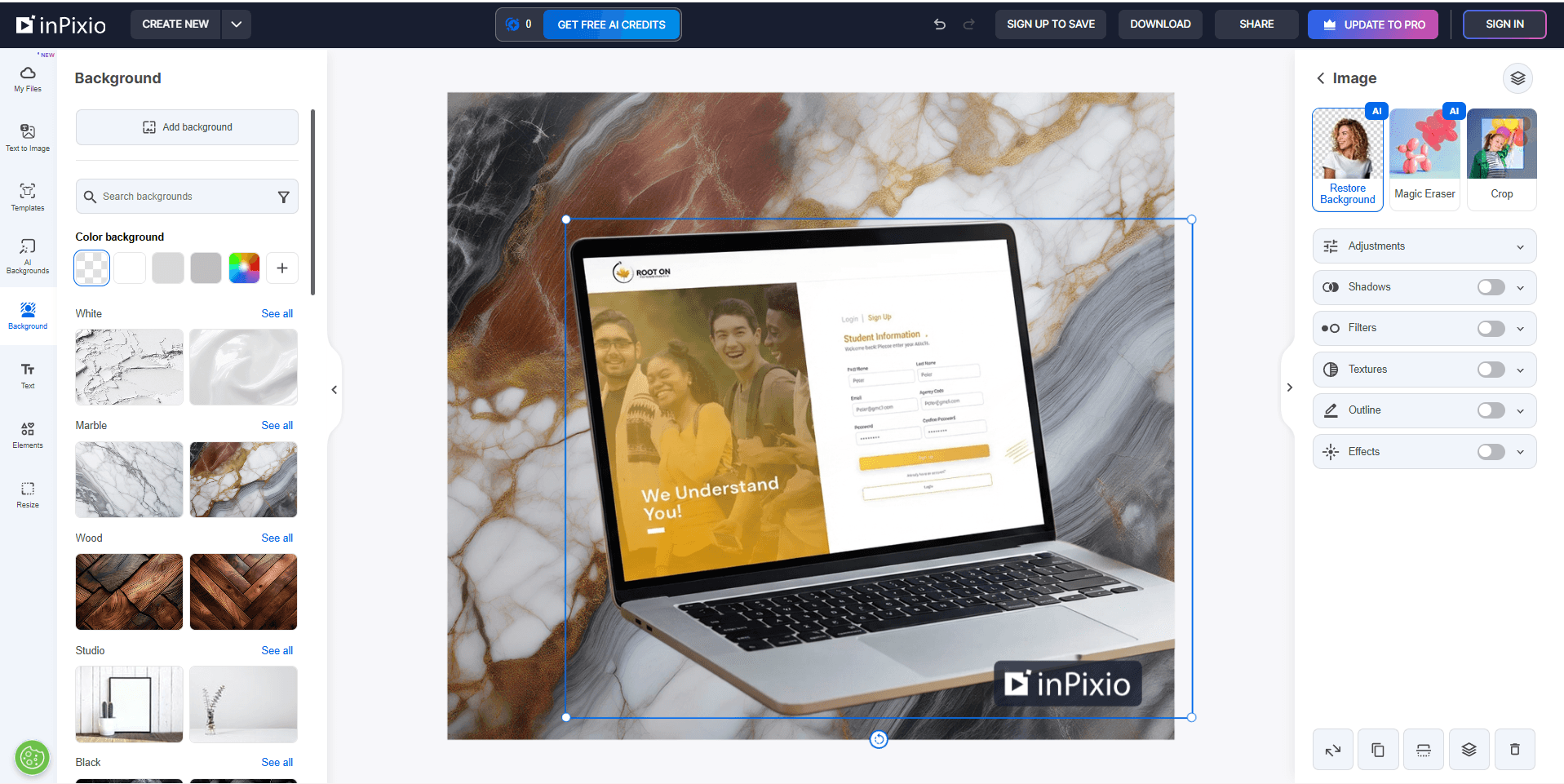
Desktop Mode

Problem Statement
Many users face challenges with existing photo editing apps:
Overly complex interfaces designed for professionals
Limited creative control in beginner-friendly apps
Time-consuming manual editing workflows
Steep learning curves for advanced features
Research & Insights
User Insights
Users want Quick results without sacrificing quality
AI-powered features are highly valued when they feel transparent and controllable
Discoverability of advanced tools is critical on mobile
Competitive Analysis
Analyzed popular photo editing apps to identify:
AI-powered features are highly valued when they feel transparent and controllable
Gaps between beginner and professional tools
Overloaded toolbars and confusing navigation
Opportunities for contextual, AI-driven actions
UX Strategy & Design Approach
Designed task-based workflows instead of tool-heavy screens
Introduced AI-assisted actions with clear visual feedback
Used progressive disclosure to keep the interface clean
Optimized gestures and interactions for mobile-first usag
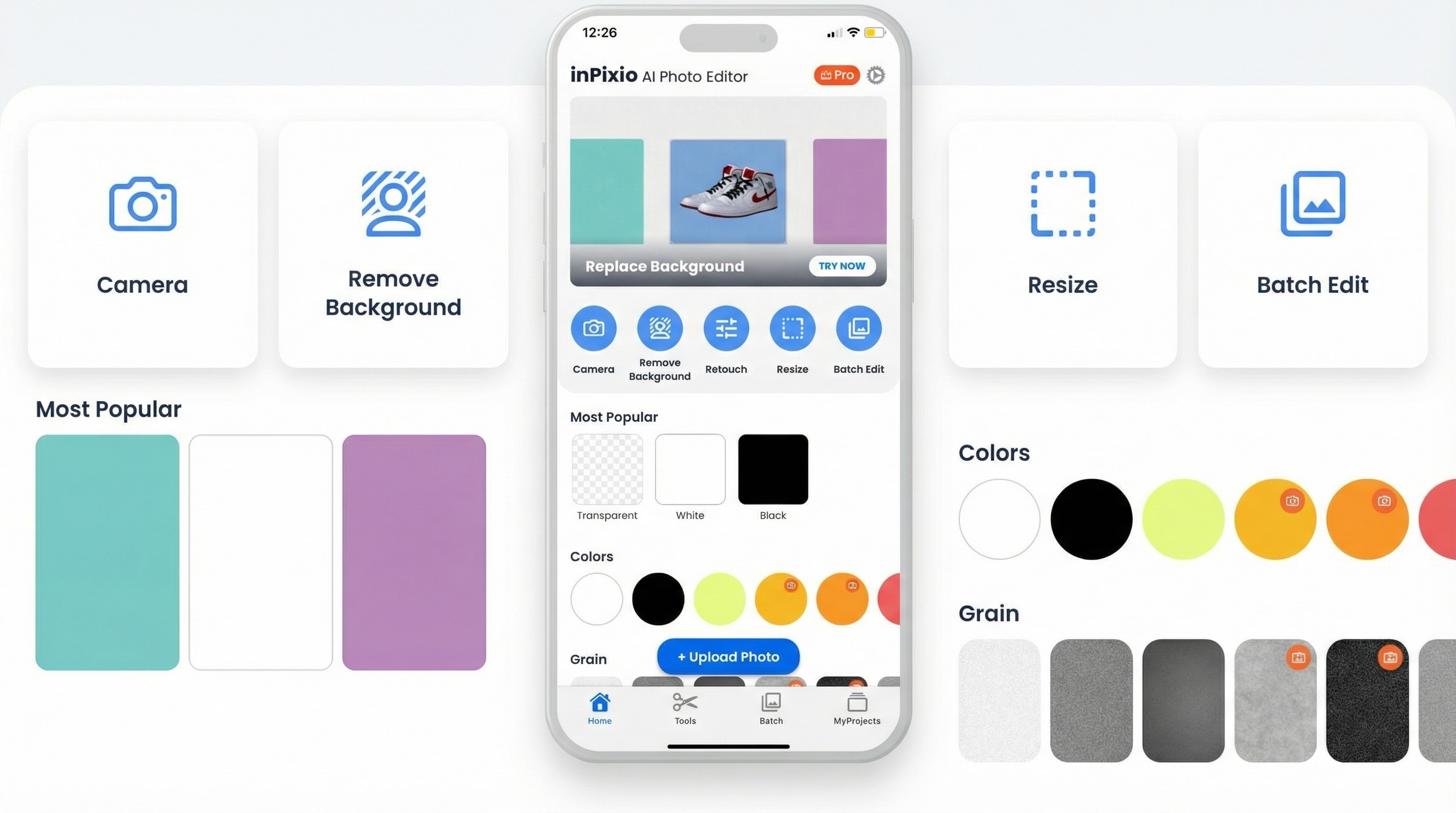
Fine-Tune Adjustments
Fine-tune brightness, contrast, hue, and other controls for accurate visual refinement to achieve the exact look you want.
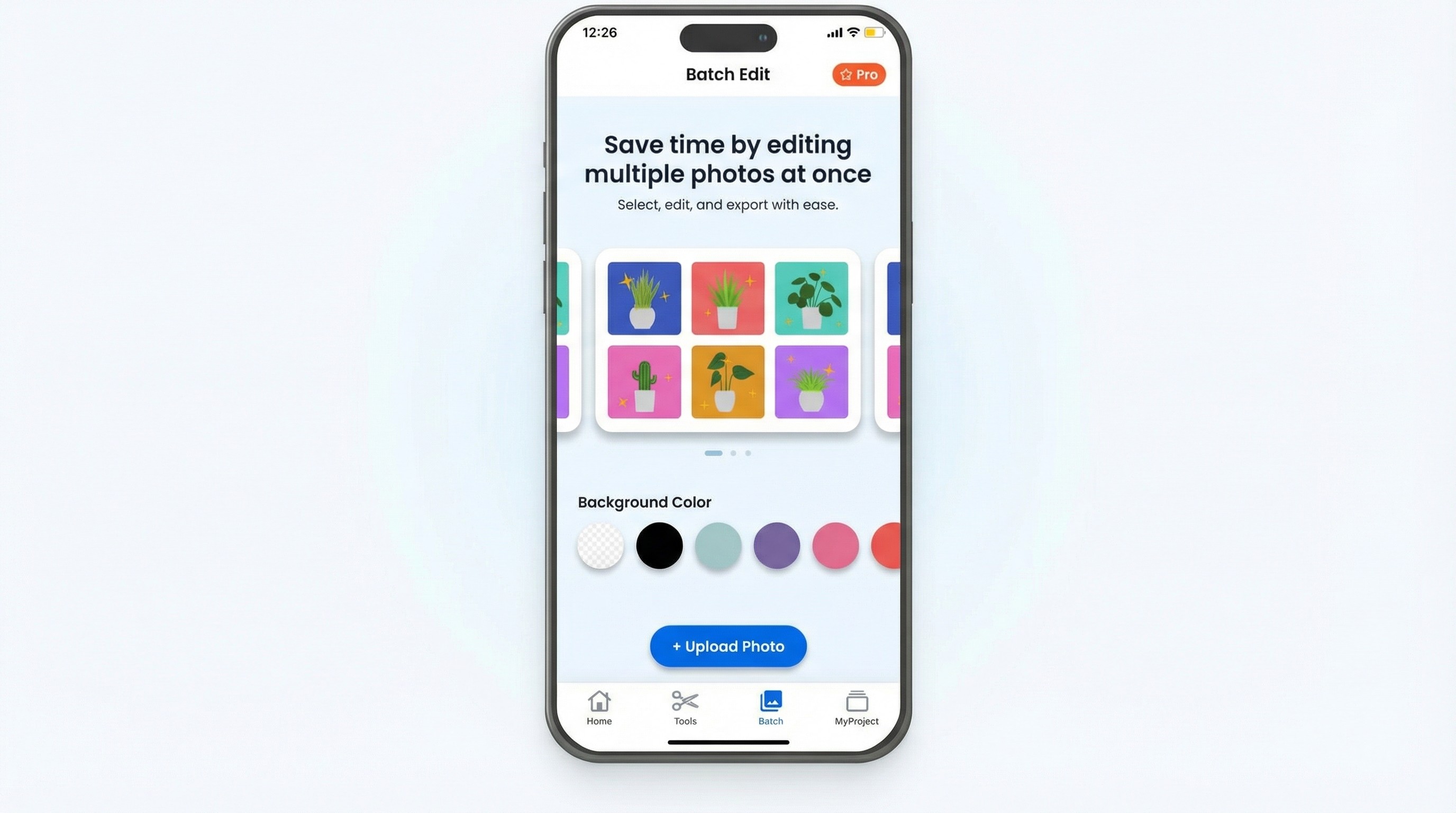
Stickers & Multi-edit
Add text and stickers seamlessly with smart alignment, scaling, and layering for creative storytelling.
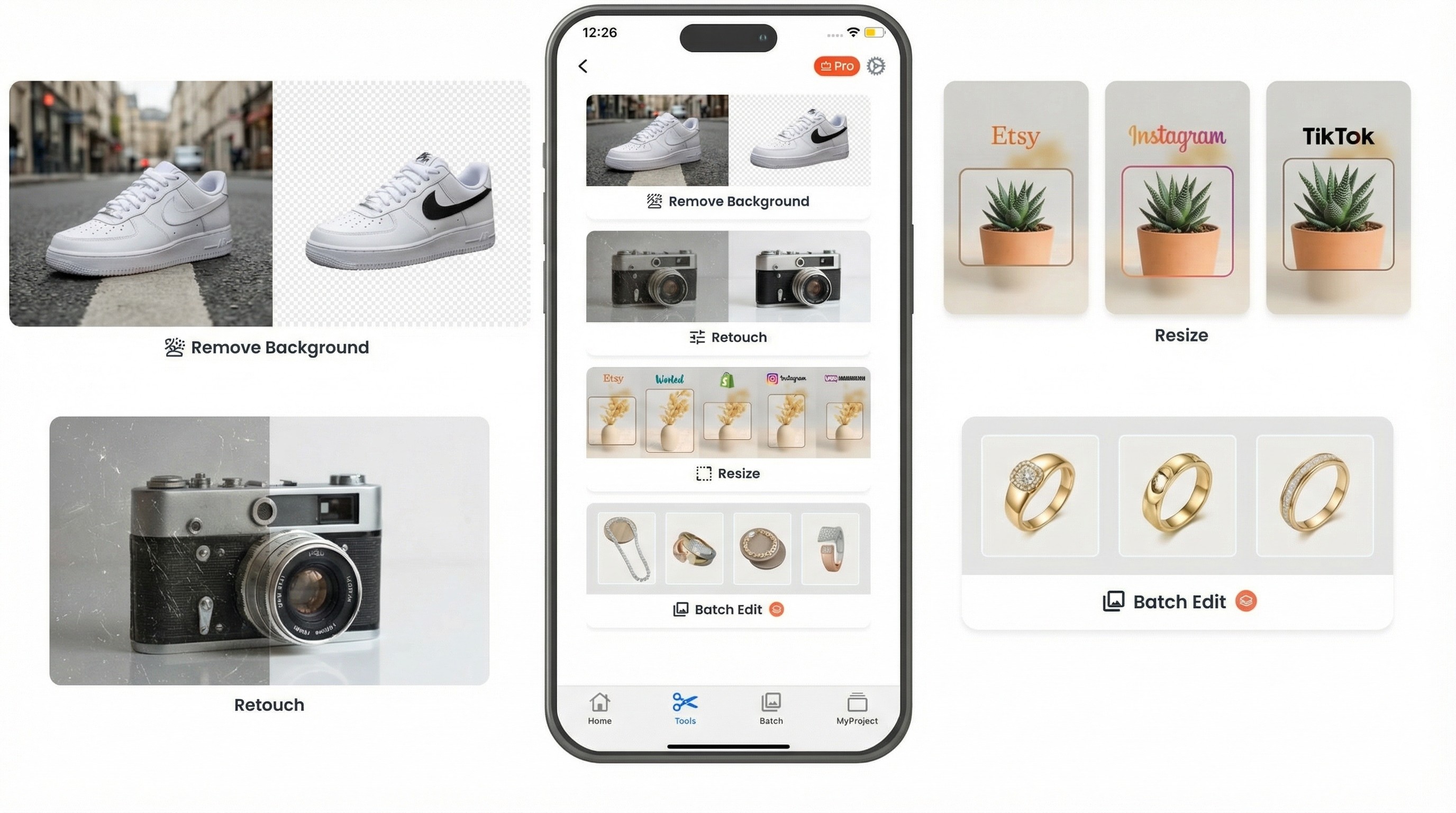
Filter & Custome edit
Create and apply personalized filters to achieve consistent, unique visual styles across photos.
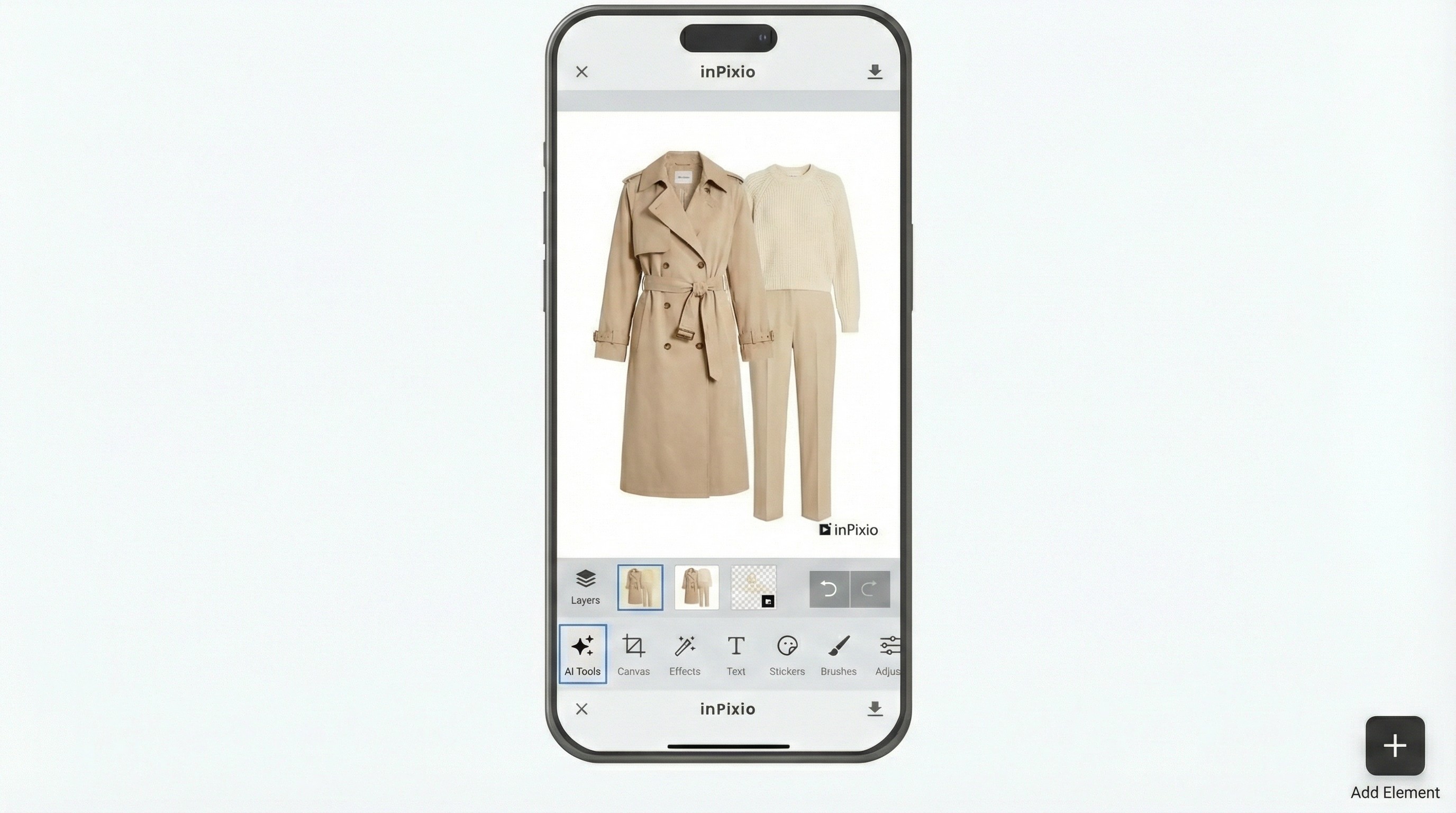
Catalogue & object edit Properties
Reposition and rotate objects within photos, allowing for precise composition and creative editing.
Many users face challenges with existing photo editing apps:
Outcome & Impact
Key Takeaway
AI-powered features, when paired with clear UX, can make professional photo editing accessible, fast, and enjoyable on mobile.